Thanks for Joining and Welcome!
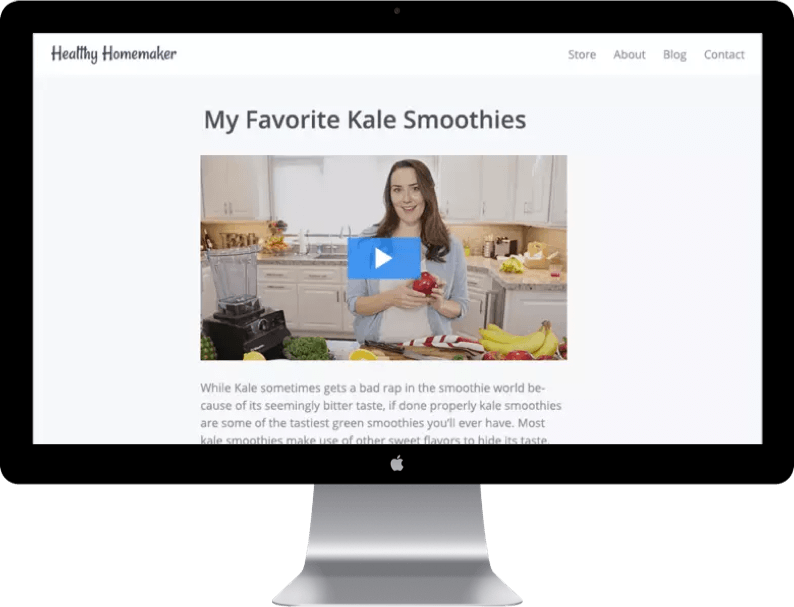
Use a Feature Image of Feature Video that shows your visitors your Product or something that best represents it. Use this section to give an idea of how your Product will add value to your customers.

Use the Panel to highlight some features of what you're offering:

What You'll Learn

In this section, it's best to outline the details of what's included in your offer. Let your customers know why what you're offering is special and set apart from other offerings. Explain the format (videos, downloads, etc.) and perks (comments / community, available on mobile, etc.) of your Product.

Module 1

Use the different Module sections to lay out the different parts of your Product, and how they speak to the specific needs of your customers.

Module 2

Make sure to use professional-looking images that best represents your Module or Product as a whole. Try to avoid using images with text, as it can be distracting and confusing.

Looking for high-quality, royaly-free images? Check out Unsplash.

Module 3

Explain what will be included in each Module. You can even names of the Lessons / Posts that are in each category to give customers an idea of what to expect.

Module 4

If you need more than 4 Modules, you can Customize your Landing Page to include up to 8 Modules. 

STRUGGLING WITH YOUR ONLINE BUSINESS?

This section is the first thing your landing page's visitors will see, so make sure you have a great Title and some informative, yet brief, Body copy. Choose a Background Image without any text or distracting imagery, and make sure there is enough contrast between your background and your text colors! 

BUY NOW

Copyright 2016

Terms Privacy